

A buyer may receive a fuse cutout drawing and still be unable to tell whether it answers the requested interface, represents the offered configuration, or uses the current issue. The question is what a controlled fuse cutout drawing-scope record should show before the attachment is passed into technical review. A useful record keeps the buyer line, drawing purpose, revision identity, supplier response source, stated coverage, and unanswered question together. It makes the request reviewable without turning an outline drawing into evidence of electrical duty, coordination, certificate applicability, installation suitability, or project acceptance. This guide sets out the record fields and decision boundary so a drawing can support a focused review rather than an inferred approval.
Summary: Start with the RFQ line, state why the drawing is requested, capture its title and stated issue, and separate shown scope from open scope. Use the RFQ document-index guide for the wider file register and the RFQ assumptions guide for silent points. A drawing record improves traceability; it does not approve a fuse cutout.
IEC publication information provides standards context, while the project specification and responsible reviewer define acceptance. The next action is to identify which question the drawing answers, which source supports that answer, and which item still needs a cited clarification.
Which buyer line should anchor the drawing?
Open the record with the RFQ reference and line identifier before comparing attachments or supplier comments. Give each drawing question its own line. A general request for “the latest drawing” does not necessarily show whether the response addresses the mounting interface, stated outline, offered configuration, or another buyer requirement.
How should the drawing purpose be stated?
Write down why the drawing is being requested: to clarify a stated interface, document a supplier response, or identify an open scope question. Keep the purpose limited to the known inquiry. A scope record shows what needs review; it does not decide performance or installation outcomes.
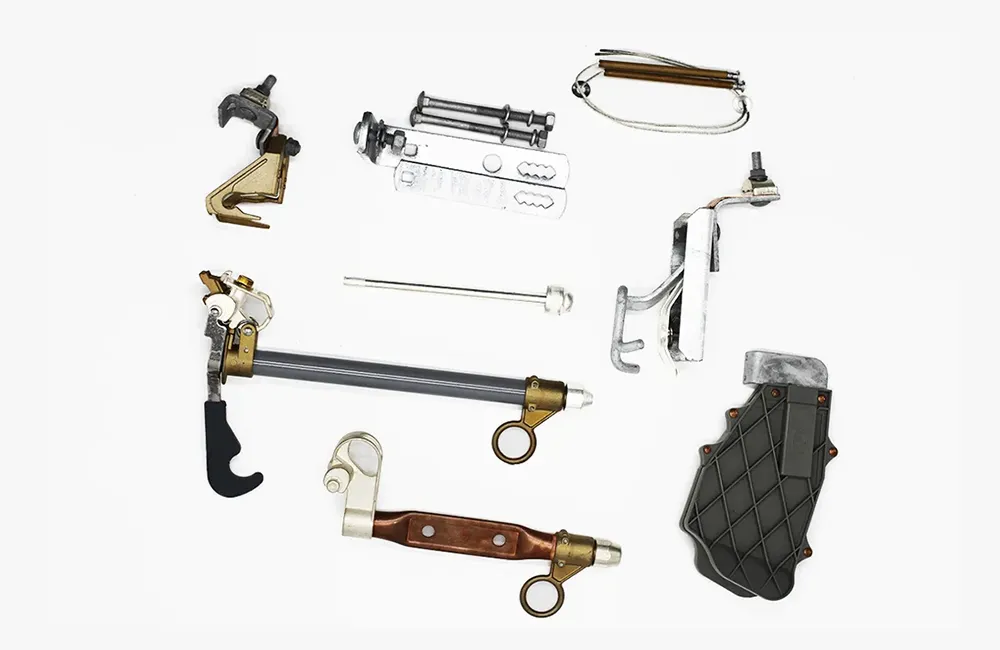
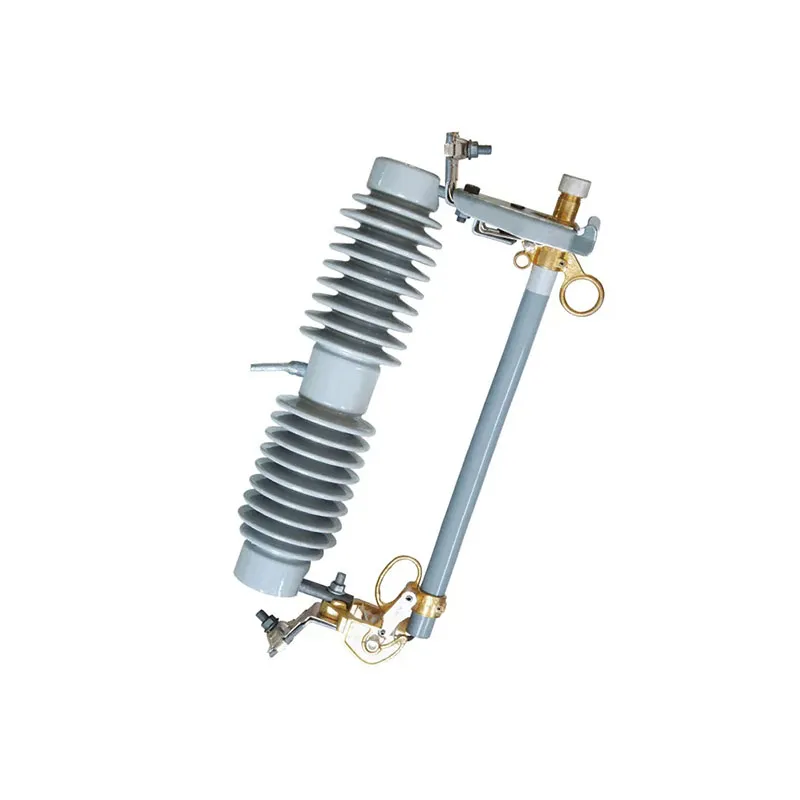
Check that the drawing identifies the cutout assembly components included in the offer, especially when the catalogue shows optional hardware.
What makes a drawing revision traceable?
Record the document title, drawing revision identity, source, and date received when available. If no revision is supplied, record that absence rather than assigning a version from a filename. This lets a second reviewer find the same evidence later, but it does not establish that the drawing is complete or suitable for the project.
How should shown scope and open scope differ?
List what the supplier explicitly states as covered, then list the parts of the buyer request that remain unaddressed. Keep the lists separate so an omitted item does not disappear inside a broad drawing title. When the response uses a different term, preserve that wording and request clarification rather than translating the difference into an equivalence claim.
Which table makes a drawing response reviewable?
Keep the requested information beside the supplier response in a compact comparison table.
| Buyer drawing question | Request purpose | Supplier source | Stated scope | Open review point |
|---|---|---|---|---|
| RFQ line and title | identify requested record | quotation or response | stated document reference | line not addressed |
| Revision identity | locate supplied issue | named file or register | revision shown or absent | source mismatch |
| Scope statement | compare response wording | cited drawing note | supplier-stated coverage | buyer item not stated |
| Clarification item | preserve unanswered question | follow-up response | answer received or missing | route to review |
The table creates traceability, not technical approval. Its value is that an unanswered scope item remains visible.
When should a named product inquiry be sent?
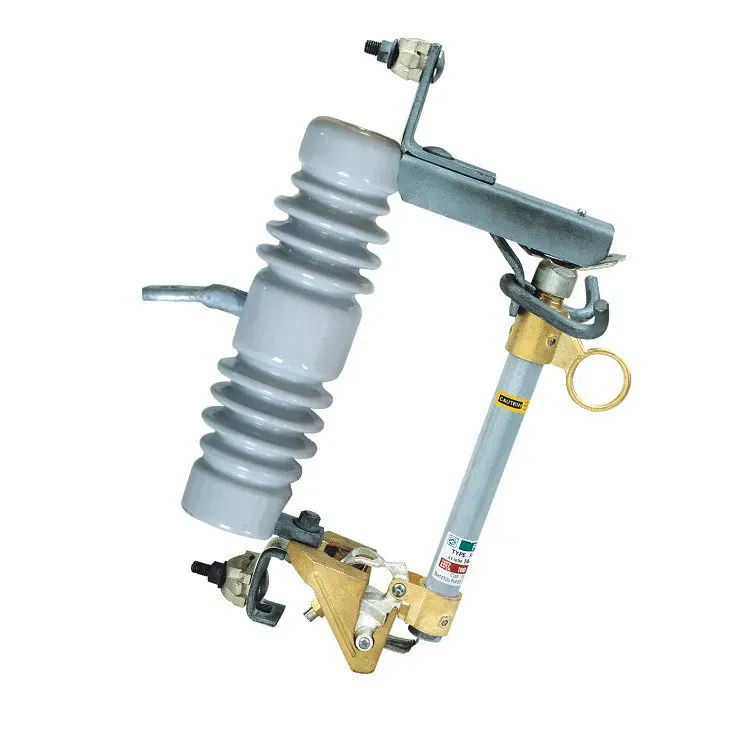
Once the buyer can name the RFQ line, drawing reference, and precise question, the FUERTE fuse cutout family can provide inquiry context. For a model-specific request, use the FSC-22-3 Drop Out Fuse Cutout route with the drawing reference and open scope point. A public page does not represent the buyer’s project or resolve an undefined requirement.
How should the drawing record be closed?
Before handing the record forward, identify which questions are answered, which source supports each answer, and which items still require the responsible review. Preserve later replies beside the same buyer line. For a controlled inquiry, contact FUERTE with the buyer reference, document identifier, and exact clarification question.
What questions should a buyer ask?
What is a fuse cutout drawing-scope record?
It links a drawing question to its RFQ line, document identity, response source, stated scope, and unresolved point.
Should a buyer identify the RFQ line first?
Yes. The line reference anchors comparison with the original request.
What makes a drawing revision traceable?
Record the title, stated issue or revision, source, and date received when those details are available.
Can a drawing approve a fuse cutout?
No. A drawing record does not replace the responsible technical, project, or acceptance decision process.
Conclusion
A drawing-scope record should make the review reproducible: the buyer line, purpose, document identity, supplier source, stated coverage, and open question must remain together. Buyers should first define the question, then compare the exact drawing issue with the requested scope, and finally route unanswered technical matters to the responsible process. A complete-looking outline cannot establish electrical duty, coordination, installation suitability, or acceptance by itself. Preserving an omission as an open item is more reliable than inferring an answer from a familiar drawing title. FUERTE’s fuse cutout routes can support a focused document inquiry when the buyer names the line, drawing reference, and evidence gap.