
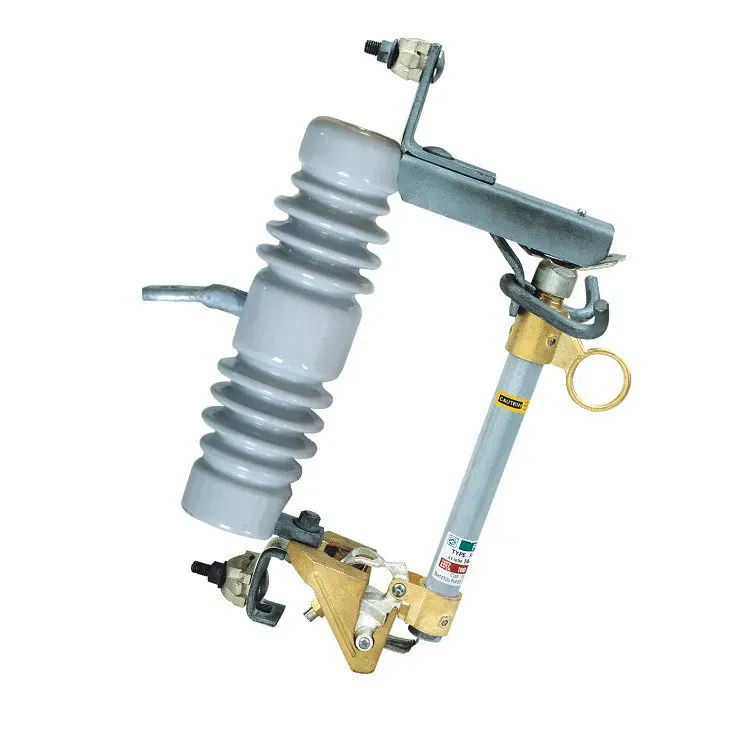
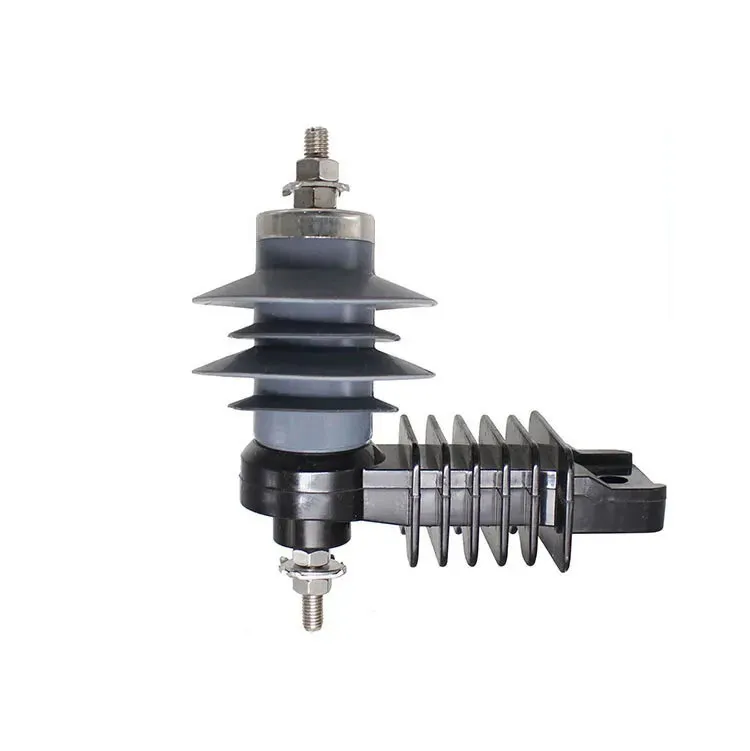
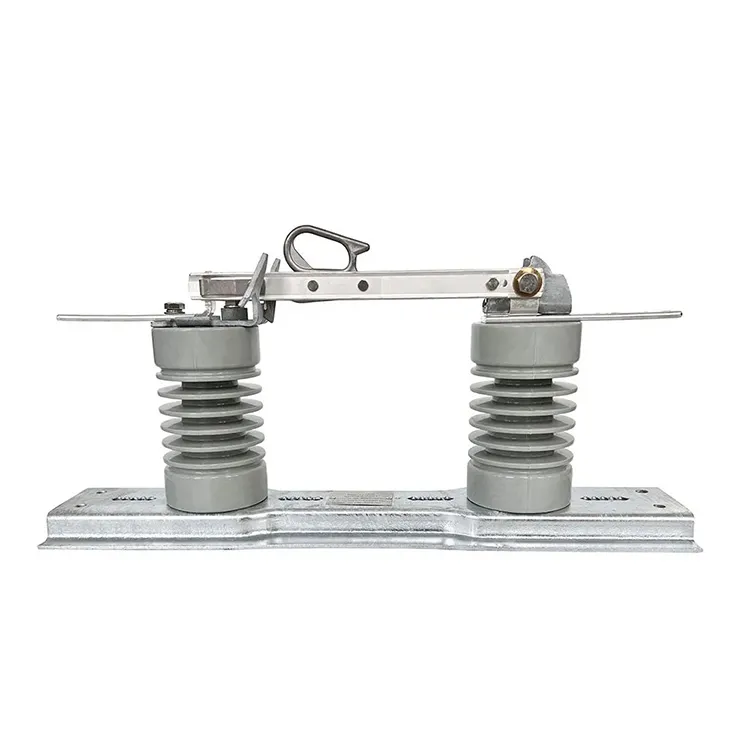
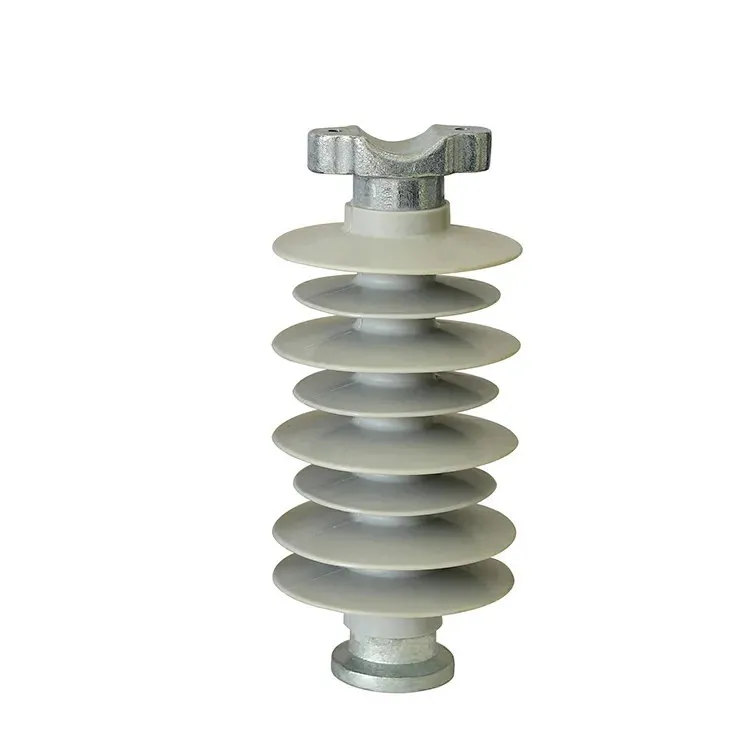
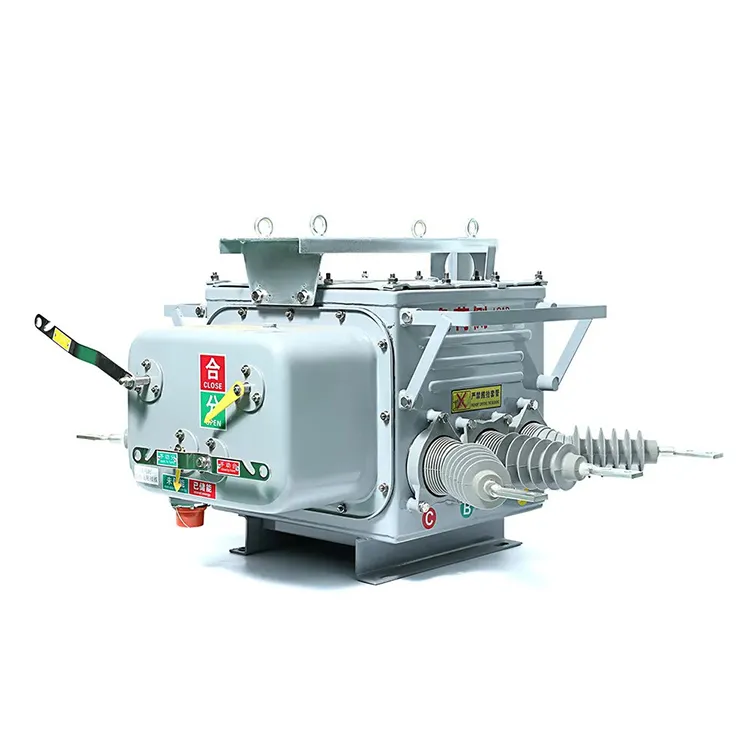
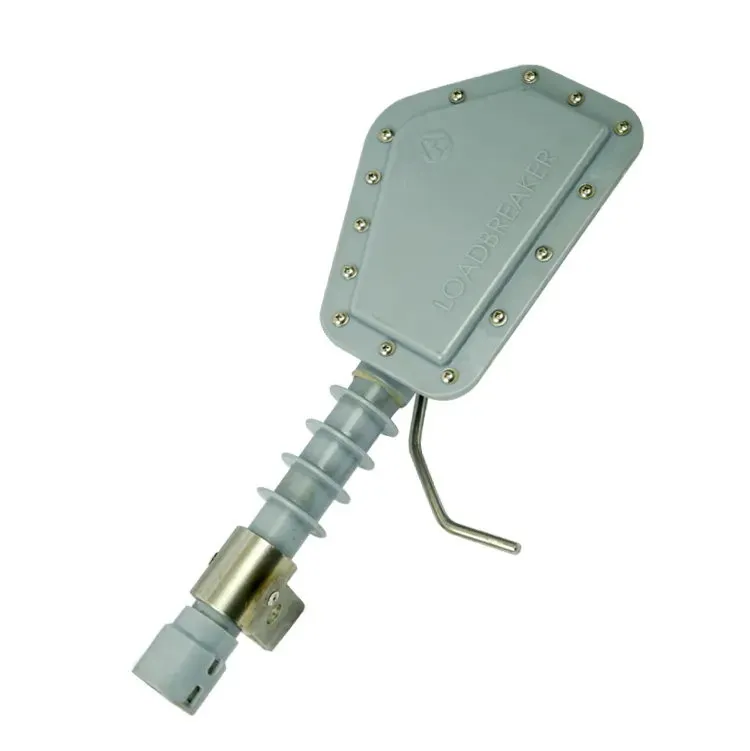


A fuse cutout and its fuse link are often named together in the field, but an RFQ that records only one part leaves the most important questions open. The cutout has an enclosure, contacts, mounting and operating interface; the link has its own identity and coordination role. A reliable inquiry keeps both records separate, then evaluates them together against the application.
Summary: A fuse cutout and fuse link RFQ should identify each item, the shared asset and application, the existing interface, the protection basis, and the documents required for the offered configuration. IEC 60282 is a relevant fuse reference, but a part name or photograph does not prove coordination, interchangeability, or replacement suitability.
How should the cutout and link be recorded?
| Record field | Cutout entry | Fuse-link entry |
|---|---|---|
| Model/marking | Copy exact visible text | Copy exact visible text |
| Photograph | Overall assembly and interface | Visible link and marking |
| Asset/application | Location and line/equipment role | Same asset reference |
| Documents | Drawings and requirements | Coordination and link records |
Why is a familiar part name insufficient?
Different families can use similar labels while having different dimensions, interfaces, and duties. Record unreadable fields as unknown, preserve photographs, and ask the supplier to state exactly what model and link arrangement is being offered.
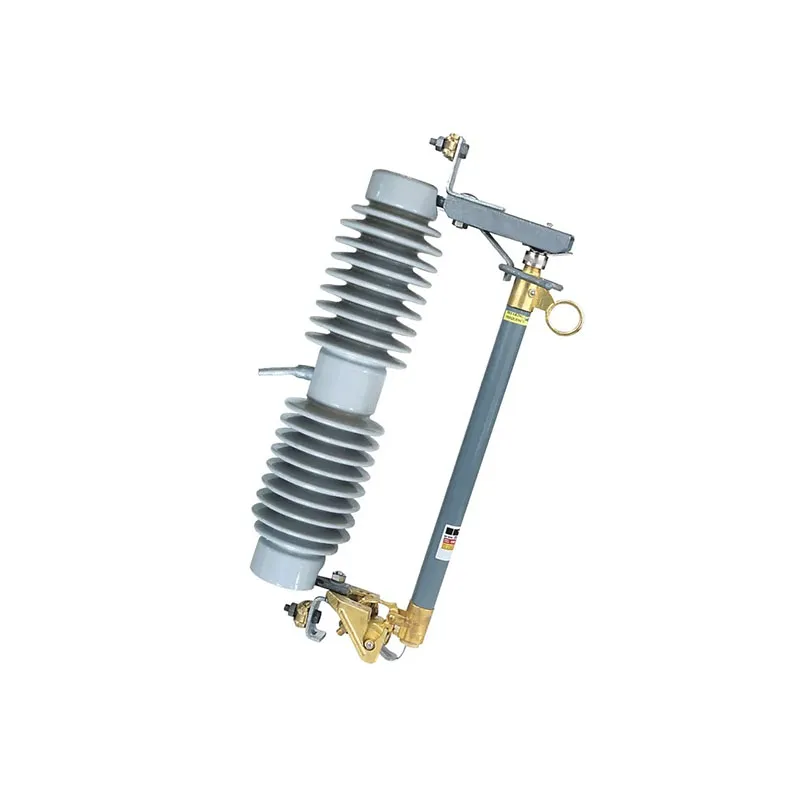
Which project inputs govern matching?
Include system voltage, insulation level, continuous current, fault basis, link class or speed expectation, mounting, conductor connection, and whether standard, linkbreak, or loadbreak operation is required. The supplier can then distinguish a technical review from a catalogue guess.
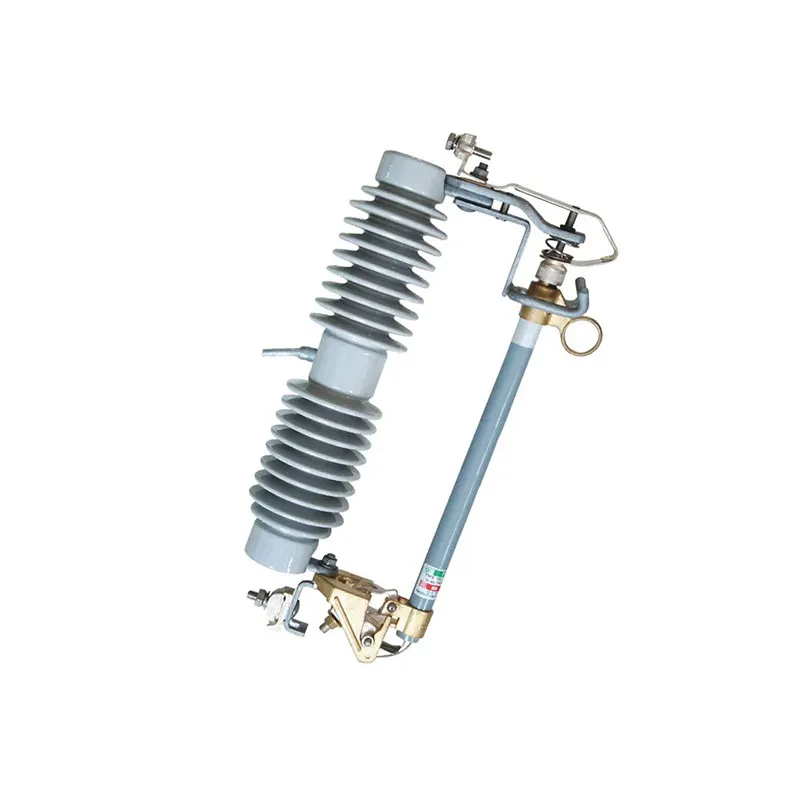
| Decision area | Evidence | Boundary |
|---|---|---|
| Identity | Marking, photos, asset reference | Photo is not proof of model |
| Interface | Dimensions and mounting drawing | Similar shape is insufficient |
| Protection | Link data and coordination study | Link name alone is incomplete |
| Operation | Owner procedure and duty rating | Do not infer loadbreak |
What should the supplier return?
- Separate model references and data sheets for cutout and link.
- Dimensional/interface drawings and declared standards.
- Coordination evidence or a clearly stated engineering limitation.
- Deviation and clarification table tied to the RFQ fields.
Use the fuse-cutout category and expulsion fuse-link route as product-routing references after the project inputs are assembled.
Frequently asked questions
Can any fuse link fit a matching cutout?
No. Dimensions, contacts, link class, and coordination must be verified for the specific arrangement.
Does a product photo prove interchangeability?
No. It supports identification only. Request drawings, markings, and model-specific evidence.
Should the link be specified separately?
Yes. Separate records make identity, coordination, and replacement review traceable.
What if the existing link marking is unreadable?
Record it as unknown, retain the image, and request controlled clarification. Do not infer the class from color or shape.
Conclusion
Matching starts with two identities and ends with one documented application decision. Record the cutout and link separately, add voltage, fault, interface, operating, and coordination inputs, then compare the supplier’s exact configuration and deviations. A part name cannot replace that evidence. Fuerte can route a completed request through the drop-out fuse-cutout and fuse-link product paths, with approval retained by the project team.