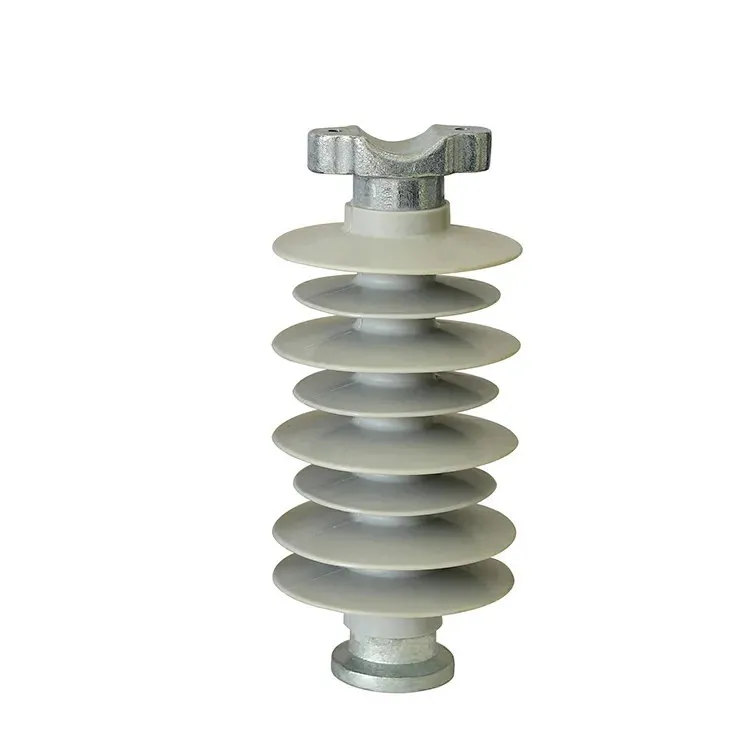
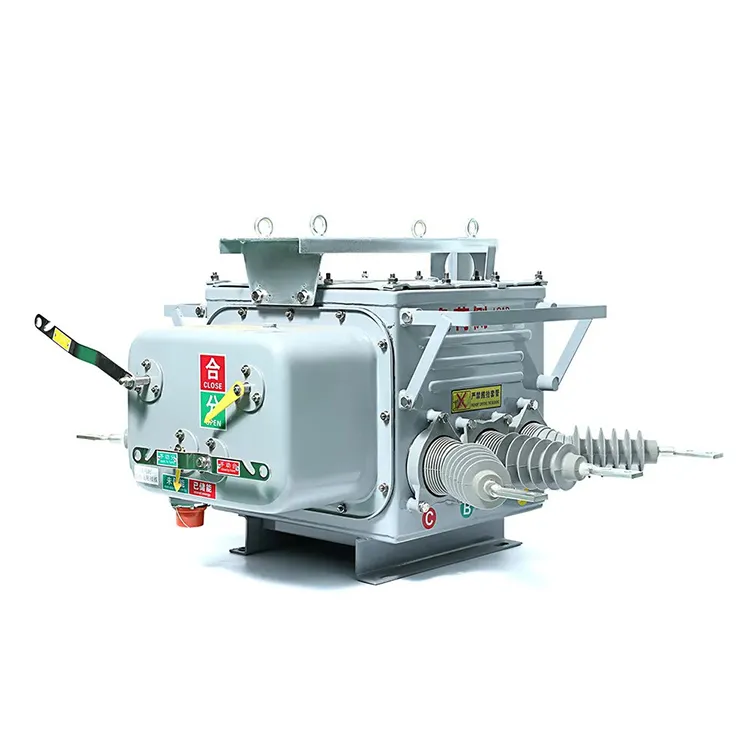
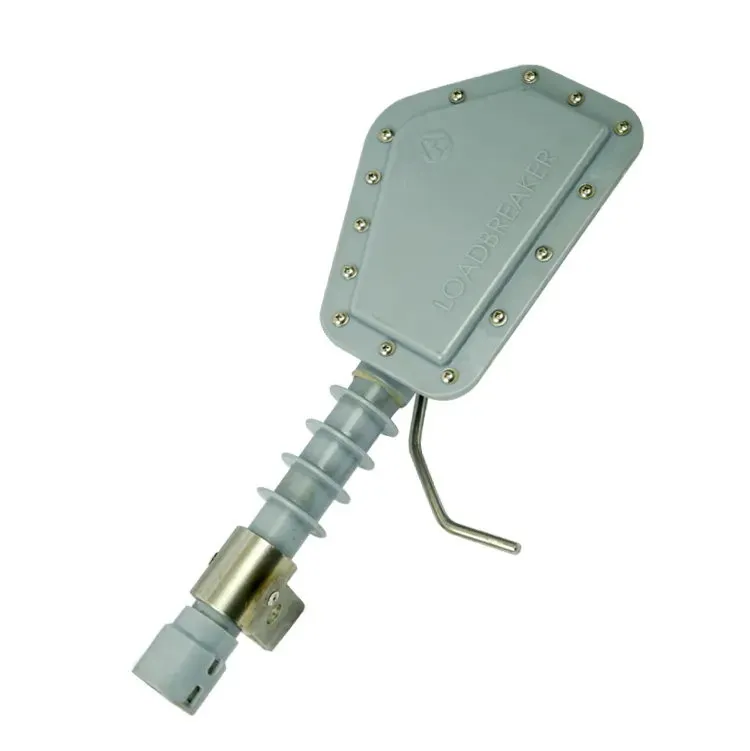


A polymer insulator RFQ often contains unanswered fields disguised as assumptions: voltage class, interface dimensions, pollution conditions, mechanical duty, material description, or required evidence. If those points are handled in scattered email, the buyer may compare different interpretations without realizing it. A clarification log makes each unknown visible, assigns a response, and preserves the source used to close it. IEC 62217:2025 defines general terms, design tests, and acceptance criteria for polymeric HV insulators; IEC 61109:2025 addresses composite suspension and tension insulators. Those standards support the technical vocabulary, but a photograph or catalogue page cannot replace a project-specific clarification record.
Which unknowns need their own clarification line?
Open a line whenever an unresolved field could change the offered identity, interface, evidence, cost, or acceptance path. Typical prompts include the exact insulator type and model, system voltage and duty, mounting or conductor interface, mechanical load basis, pollution or environmental condition, material and shed-profile description, required tests, drawings, marking, packing, and installation constraints. “Supplier to confirm” is a useful status only when the missing field and deadline are named.
- Quote the buyer requirement or drawing line that exposes the unknown.
- State why the answer matters to selection, interface, documents, or commercial scope.
- Assign one owner and a response date.
- Keep the line open until the source and reviewer are recorded.
How should the question and response stay together?
Use a stable clarification number and preserve the original question when the supplier replies. Record the answer verbatim where practical, then add the buyer’s disposition and source reference. If the answer changes the required drawing, model, test evidence, or commercial scope, open the linked change rather than overwriting the original line. This maintains a traceable chain from unknown to response to decision.
Carry resolved answers into the insulator quotation comparison so a clarification does not become an undocumented exception at award.

| Log field | Example content | Control purpose |
|---|---|---|
| Clarification ID | CL-014 with issue date and owner | Keeps the line traceable |
| Unknown and source | Missing interface detail in drawing revision | Separates fact from assumption |
| Supplier response | Answer, document number and revision | Makes evidence retrievable |
| Disposition | Accepted, rejected, open, or needs owner input | Shows decision status |
How should observed facts be separated from assumptions?
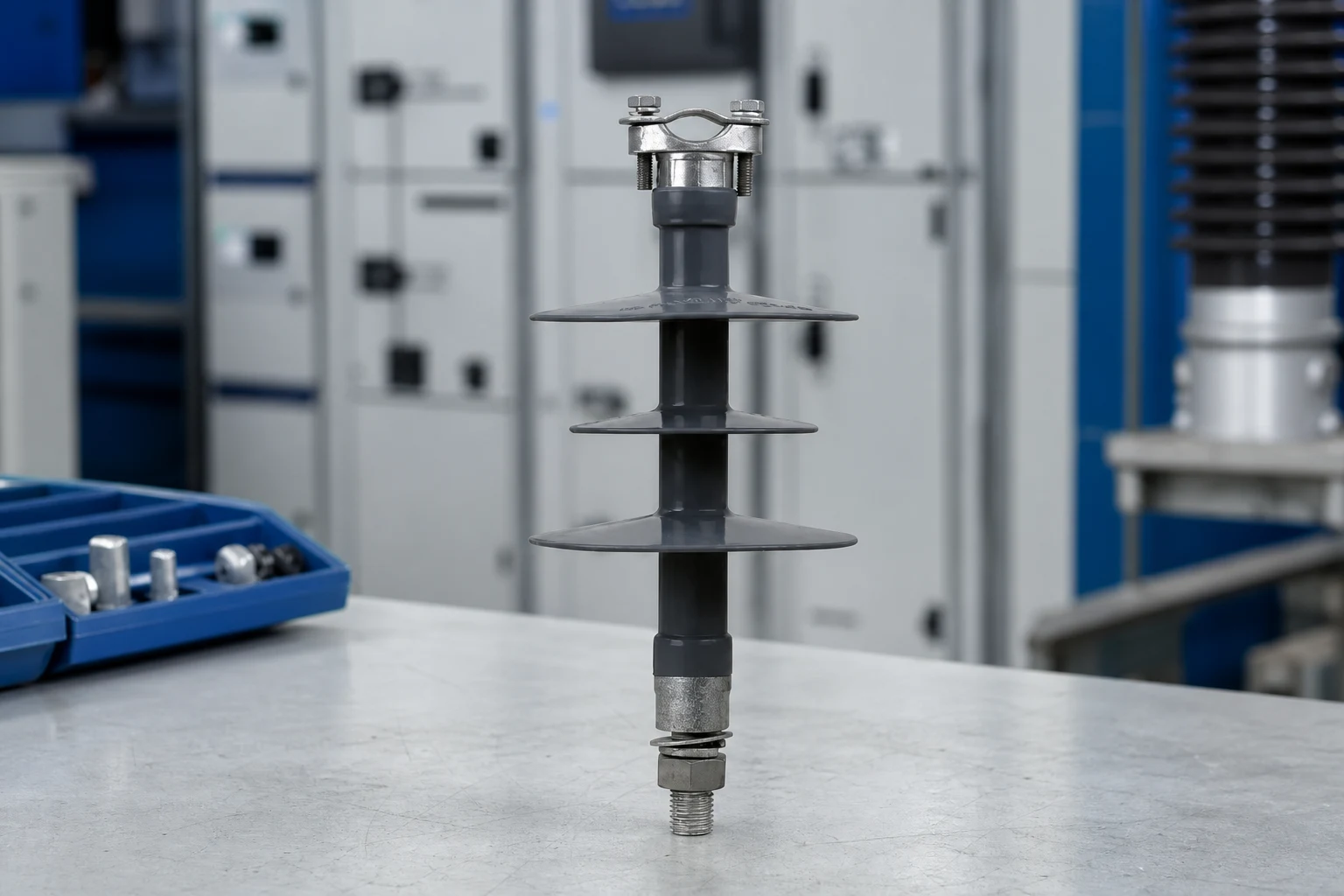
Use one field for what the buyer can verify—such as a visible marking, a drawing note, or an identified location—and another for the assumption that someone proposed. Record the limitation when a photo is obstructed, a dimension is unavailable, or the material is not stated. The supplier should answer the question against a controlled source rather than confirm a guess. This prevents a plausible shed count, colour, or mounting appearance from becoming an unsupported model identity.
When should a clarification remain separate from insulator selection?
Keep it separate whenever the log is only establishing an input. For example, a question about site pollution severity can identify the data required for selection, but it does not choose a creepage distance. IEC TS 60815-3:2025 describes the selection framework and correction factors; the project must still establish its site conditions and responsible design basis. Likewise, a response about a mounting interface does not prove mechanical or electrical suitability.
How should the buyer review evidence before issuing the final RFQ?
Review each response for identity, source, revision, scope, and limitation. Link changed answers to the updated drawing or specification, then issue the closed log with the final RFQ package. Unresolved lines should remain visible with an owner and next action; closing a line because a supplier did not reply creates a hidden assumption. The final package should make clear which answers are requirements, which are accepted alternatives, and which remain open for engineering review.
For a defined product inquiry after the technical questions are controlled, the FUERTE FPQ3-33 route can support model-specific documentation. It does not replace the buyer’s clarification, design, or installation process.
FAQ: What do buyers ask about clarification logs?
Why should a buyer avoid guessing a missing field?
A guess can change the offered model, interface, evidence, or cost while remaining invisible to other bidders. Record the field as unknown and request a source-backed response.
Can a site photo close a clarification?
It can close a narrowly defined visible question when the location and limitation are recorded. It cannot establish hidden dimensions, ratings, test status, or project fit.
What should a supplier cite in its response?
The supplier should cite the exact model, document number, revision, drawing or specification, and any limitation that affects the answer.
Does a clarification log select an insulator?
No. It establishes and controls inputs. Selection remains a separate engineering decision based on the complete requirement and evidence.
Summary: What belongs in a polymer insulator RFQ clarification log?
Each line should identify the unknown, the requirement or drawing reference, the question sent to the supplier, the response, the cited source, the reviewer, and the close-out status. Keep observed facts, assumptions, limitations, and decisions in separate fields. A polymer insulator clarification log helps the buyer compare offers on one interpretation; it does not select an insulator, certify a rating, or authorize installation. If pollution selection is relevant, IEC TS 60815-3:2025 provides guidance on site pollution severity, creepage-distance selection, profiles, and correction factors, but the project still needs its actual site basis. Require a source-backed response for every material field.
For product-family context, use the FUERTE polymer-insulator range only after the inquiry states the required configuration. Related controls include the polymer-insulator factory-document request and the site-photo record. IEC 62217:2025 and IEC 61109:2025 define test and acceptance frameworks; they do not convert a missing RFQ field into a verified product fact.
Evidence boundary: a clarification log records what was asked and answered. It does not turn an assumption into evidence or authorize selection, installation, energization, or acceptance.
Conclusion: How can a clarification log improve an insulator RFQ?
A useful clarification log makes uncertainty explicit before it can distort a quotation. First identify the unknown and its source; then keep the question, response, evidence, limitation, and reviewer together; finally carry accepted changes into the controlled RFQ and drawings. Do not let a photo, catalogue description, or unqualified “confirmed” reply stand in for a rating, pollution basis, interface dimension, or acceptance record. FUERTE can respond to a model-specific inquiry through its polymer-insulator route once the buyer has defined those inputs, while final selection and installation approval remain with the responsible project process.