
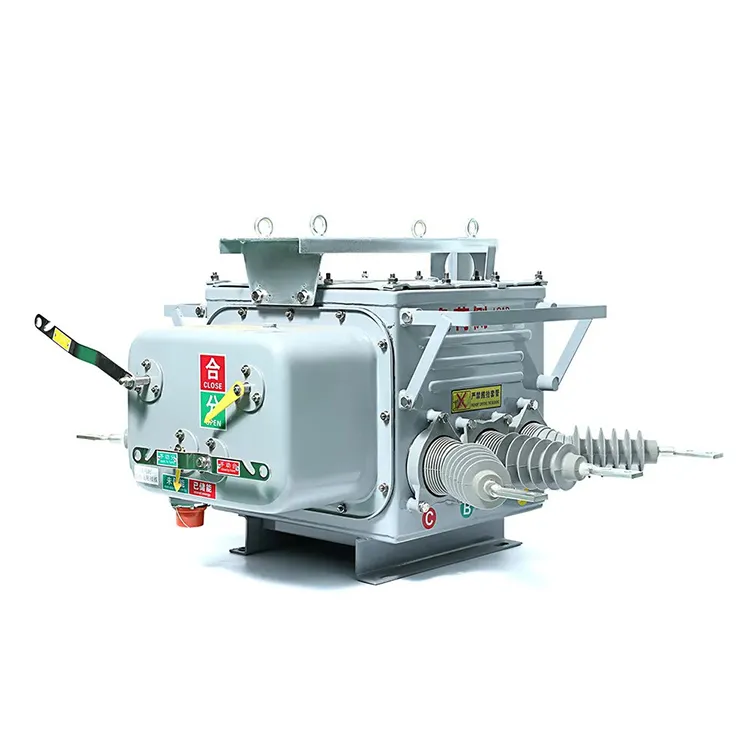
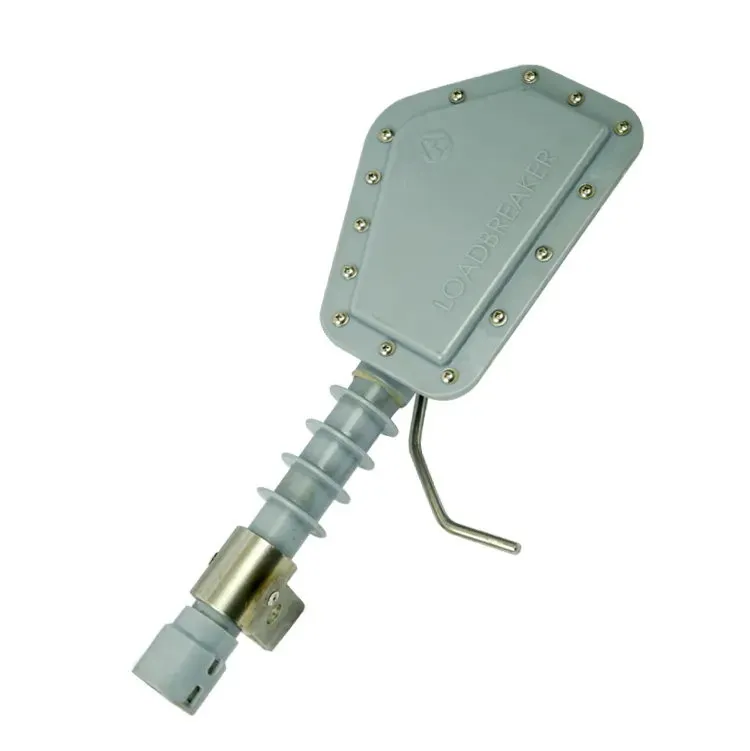


A catalogue attachment can look authoritative because it is polished, branded, and full of ratings. In an RFQ, however, it may describe a family rather than the exact offered configuration, use an old revision, or omit the buyer’s critical interface. IEC 60282-2:2008 supplies a standards reference for expulsion fuses, while the project still needs a controlled link between requirement, offered identity and evidence. A fuse cutout catalogue review should therefore answer what the attachment shows, what it does not show, and what question must be sent back to the supplier.
How should the attachment be identified?
Record filename, title, supplier, issue or revision, date received, source channel, and the RFQ line. If the file contains several models, note the page or table used and keep the selection basis visible.
Which claims can the catalogue support?
Use it for the supplier’s stated product description, visible options, and cited ratings when the exact identity is clear. Do not treat a generic family image, marketing phrase, or undated table as proof of project compliance.
How should omissions be handled?
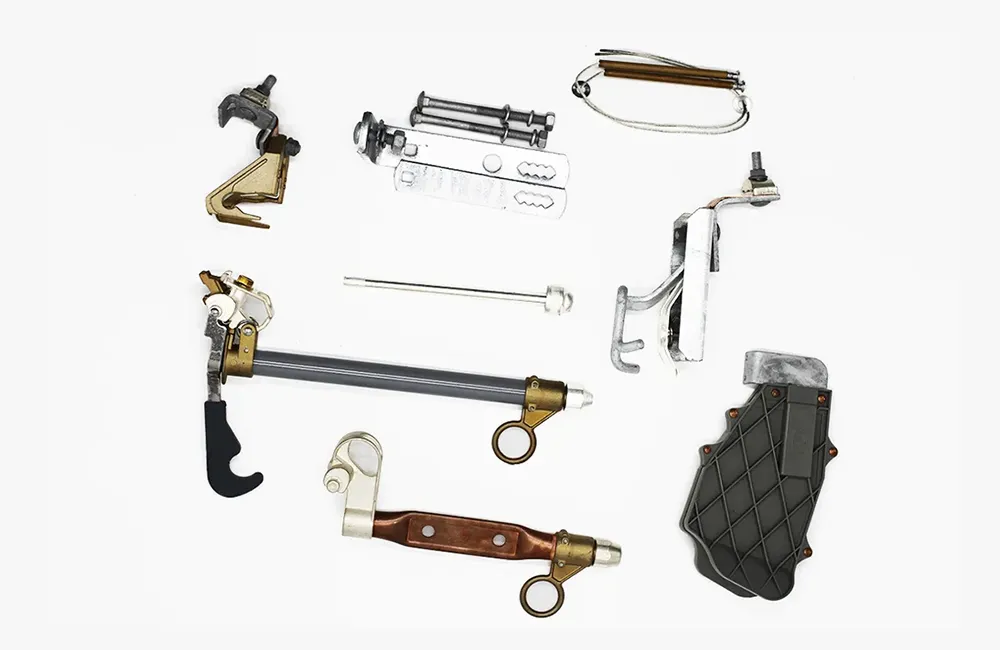
Separate an omission from a declared deviation. Mark missing fuse-link interface, mounting, accessories, tests, environmental conditions, or drawing references as open questions and ask for a source-backed response.
What should the review table make visible?
| Review field | Record | Boundary |
|---|---|---|
| Attachment identity | title, revision, pages and source | prevents file confusion |
| Offered identity | model, variant and configuration | prevents family-level substitution |
| Requirement mapping | RFQ line and stated value | shows what the page actually answers |
| Open point | missing field, conflict or unclear scope | keeps uncertainty visible |
| Disposition | clarification, accept as evidence or engineering review | does not turn context into approval |
When is the review complete?
The reviewer should record the requirement, attachment evidence, confidence or limitation, supplier response and disposition. A catalogue is context; technical approval remains with the responsible review.
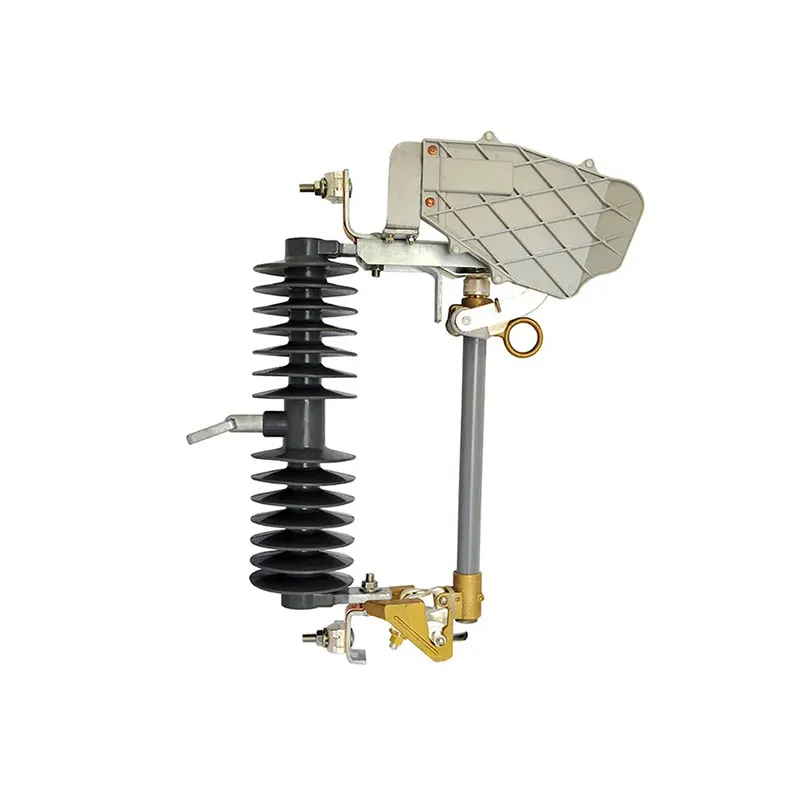
Which catalogue details can be mistaken for supplied scope?
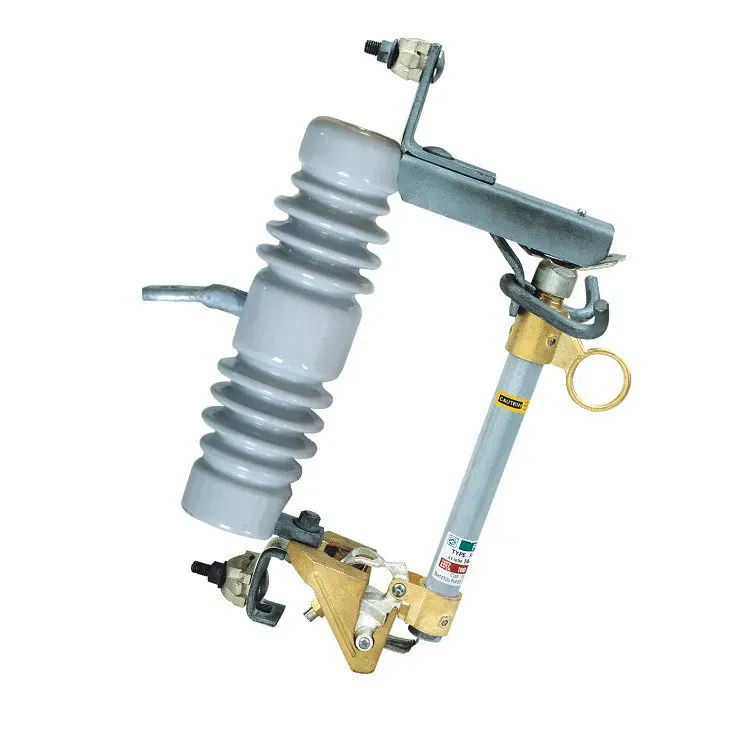
A photograph may show a bracket or accessory that is optional. A family table may combine several configurations. Ask the supplier to identify the exact row and state which parts are included. Do not infer an approved load-breaking function from the presence of a hook or from a familiar-looking cutout.
Use the fuse cutout RFQ document index for missing drawings and reports. Where the catalogue cannot answer an interface question, the drawing scope guide explains how to request a controlled response. Preserve conflicting versions until the supplier identifies which document governs the offer.
How should a buyer use a named product route?
Start with the FUERTE fuse cutout category only after the attachment has a defined question. A model-specific route such as the HFSC-30F Drop Out Fuse Cutout page can be cited as a supplier source, while the buyer still confirms the exact configuration and evidence. For a missing field, contact FUERTE with the page, line and focused clarification.
FAQ
Can a catalogue replace a type-test report?
No. It can identify a supplier-stated product family or requirement reference; a test report must be reviewed for identity, scope and validity.
Should buyers compare catalogue images?
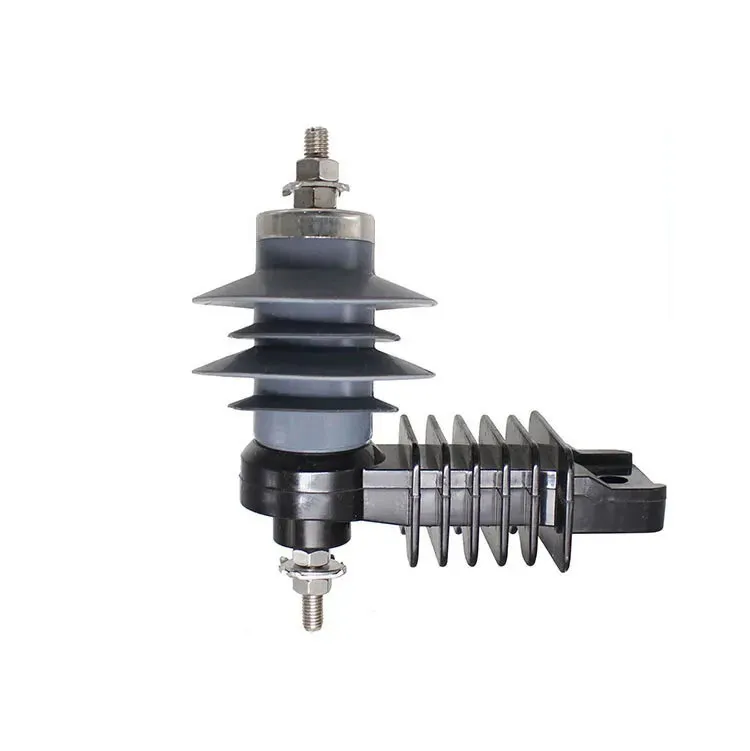
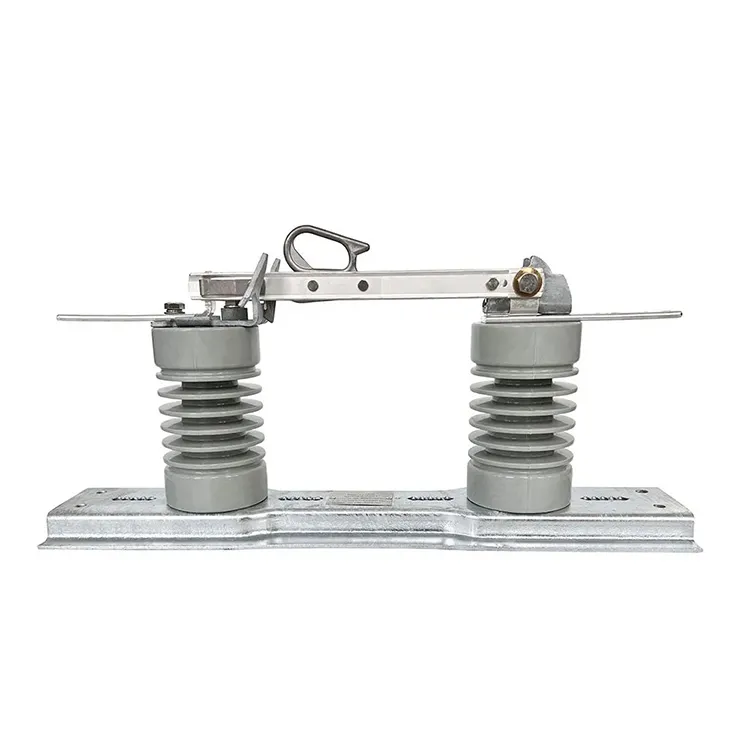
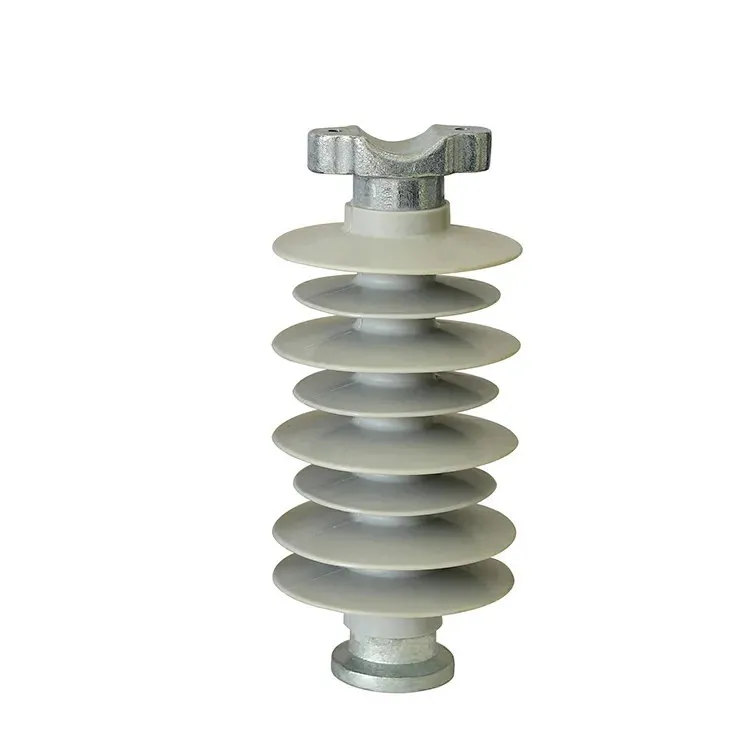
Only for a defined visible question. Similar images do not prove equivalent ratings, interfaces or accessories.
What if two pages show different values?
Record both sources and revisions, ask which applies to the offered item, and keep the conflict open.
Does a catalogue prove project fit?
No. Service conditions, installation, coordination and acceptance must be checked separately.
Summary: What should a catalogue attachment review record?
Review a fuse cutout catalogue at model and requirement level, not as one approved attachment. Record the title, issue, relevant page, offered configuration, stated values, and unanswered RFQ lines. IEC 60282-2:2008 provides expulsion-fuse standards context; naming the standard is not equivalent to supplying test evidence. Catalogue images show visible features, while ratings, operating claims, interfaces, and report applicability require specific confirmation. Separate catalogue-only context from supplier commitments and resolve conflicting values before comparing quotations.
Conclusion: How Should Buyers Review a Fuse Cutout Catalogue Attachment?
A catalogue helps a buyer recognize products, but a reliable offer review works one requirement at a time. Identify the model and source page, separate optional parts from supplied scope, and verify the applicability of drawings and test documents. When sources conflict, preserve both and obtain a controlled clarification before treating the quotation as comparable. Do not infer an operating capability from a photograph or turn a standards reference into a certification claim. The finished review should make the supplier’s commitment and remaining evidence gap equally clear. FUERTE’s product information can support that clarification when the buyer provides the catalogue page, offered configuration, and affected RFQ line.